AI agents should never play video or audio through your speakers unless you explicitly ask to hear it. A media test can be technically correct and still be a terrible office neighbor.
We learned this from a real two-second interruption. The fix was not “remember to be more careful.” We turned the incident into Content · Checklist · Software: a public explanation, an exact rule, and an automated way to put the same rule into every distributed skill file.
What happened during the video test?
I was reviewing our Home Service Growth System page. A YouTube video showed Error 153 in a local file:// preview, so the agent checked whether the video was public, embeddable, and working on the live HTTPS page.
The diagnosis was right. YouTube documents Error 153 as a request that lacks the HTTP Referer or equivalent client identity. A file opened directly from a computer does not have the normal web origin that the live page has.
The agent then clicked Play to prove the live embed worked. It advanced to two seconds and returned captions. But the player had not first been muted and set to zero volume. Audio came through my speakers while I was using the same computer for other work.
This is the kind of tiny operational problem that never appears in a polished AI demo. A person working beside you can unexpectedly play a video; an AI coworker can do the same thing. Both can disrupt a webinar, a call, a classroom, a sleeping child, or an entire room.
The agent completed the narrow technical test. It failed the human acceptance test.
What is our exact silent-playback rule?
On my computer, the invariant belongs in the global AGENTS.md file. In our public skill-pack source, the same generated block is embedded inside every SKILL.md so someone who downloads any one of the 27 skills still receives the safeguard.
- Never let audio from browser, video, audio, presentation, or application testing play through the user’s speakers unless the user explicitly asks to hear it.
- Before starting any media playback, mute the player and set its volume to zero. Keep it muted for the full test, including replays, reloads, new tabs, and alternate players.
- Apply this rule to the primary agent and every delegated agent. Include the mute requirement whenever work that may involve media playback is delegated.
- If the mute state cannot be controlled and verified before playback, do not start playback. Use metadata, captions, transcripts, frames, screenshots, network state, or player state instead.
- Only unmute when the user explicitly requests audible playback in the current task.
“Be considerate” is a sentiment. The bullets above define the default, the precondition, how long it lasts, what happens during delegation, the silent fallback, and the only exception.
Why is this Content · Checklist · Software?
Content · Checklist · Software (CCS) is one of our Nine Triangles principles. When something works—or breaks—we document the truth as content, turn it into a repeatable checklist, and encode the checklist into the system that performs the work.
Content records the real incident
This article is the receipt. It names the technical issue, the correct diagnosis, the operational mistake, and the remedy. We are not hiding the two seconds that went wrong behind a generic “AI best practices” post.
The checklist makes the right behavior repeatable
- Decide whether playback is needed. Check status, metadata, oEmbed, captions, frames, screenshots, and player state first.
- Establish silence before playback. Set
muted=trueandvolume=0, then verify both states. - Run the smallest useful test. Play only long enough to prove the required state.
- Recheck after every transition. Reloads, replays, new tabs, different players, and delegated agents can reset state.
- Fail closed. If silence cannot be verified, do not press Play.
- Leave no surprise behind. Pause the media, close disposable QA tabs, and report the evidence used.
Software makes omission difficult
We now maintain one human-readable source file, run a script that embeds it into all 27 distributed skills, and reject the pull request if even one copy is missing or stale. The acceptance checklist also requires event evidence: either there was no Play event, or every Play event occurred only after the player reported muted and zero volume.
That is more durable than asking 27 authors to copy and paste a reminder correctly. The source is content. The exact rule and canary are the checklist. The synchronizer and validator are the software.
How does the rule propagate through an agent system?
The rule has to survive more than one chat. Here is the path:
| Layer | What it does | What you can inspect |
|---|---|---|
AGENTS.md |
Sets shared behavior before work begins | The plain-language invariant |
SKILL.md |
Applies the rule inside a repeatable workflow | The exact task instructions |
| Plugin or skill pack | Distributes the same tested workflow to other people | The public repository and version |
| Subagent prompt | Repeats the requirement at the delegation boundary | The bounded assignment and returned evidence |
| Orchestrated run | Coordinates several agents and owns the final QA | The work log, checks, and synthesis |
| Scheduled job | Runs the workflow again at a defined cadence | The timestamped success or failure receipt |
This is not just my terminology. OpenAI documents how global and project AGENTS.md files layer instructions, how skills package reusable instructions and resources, how subagents divide parallel work, and how scheduled tasks can run with skills and plugins.
The important point is not the file extension. The important point is that a useful correction moves upstream until the next agent receives it before acting.
Can an agent verify video without making sound?
Almost always. In this incident, the agent already had several silent signals:
- YouTube oEmbed returned the public title and publisher.
- The watch page and live embed resolved.
- The live page displayed the player title, Play control, and YouTube link.
- The player could report elapsed time and captions while muted.
- YouTube’s error documentation explained why the local preview failed.
The agent needed playback state, not sound. Those are different things.
Where can you inspect the rest of our agent operating system?
This mute rule is deliberately small. It belongs inside a larger, already documented system:
- How I Work With AI is my personal operating and etiquette hub.
- Dennis OS shows how agents boot from shared state, claim work, leave a signed log, and update the system.
- From Brain to Bot explains the path from human knowledge to SOP, skill, and agent.
- A Skill Is a Function. An Agent Is a Person. separates reusable capability from an accountable worker with memory, access, schedule, and a work record.
- Persistent Agents explains recurring work, outside verification, and receipts.
- The Definitive Guide to Scheduled Jobs connects role, skill, access, goal, and cadence.
- The Nine Triangles Framework shows where CCS sits in the broader operating model.
- The Skill Pack Library is the living skill-to-pack-to-agent-to-job registry, and the installation guide shows members where to click.
Anyone can assemble these safeguards independently. The hidden cost is not intelligence; it is the accumulated time spent rediscovering small failures that someone else has already turned into a tested checklist.
Why should you trust the process instead of the claims?
You should not have to trust a biography. You should be able to inspect the work and the independent records around it.
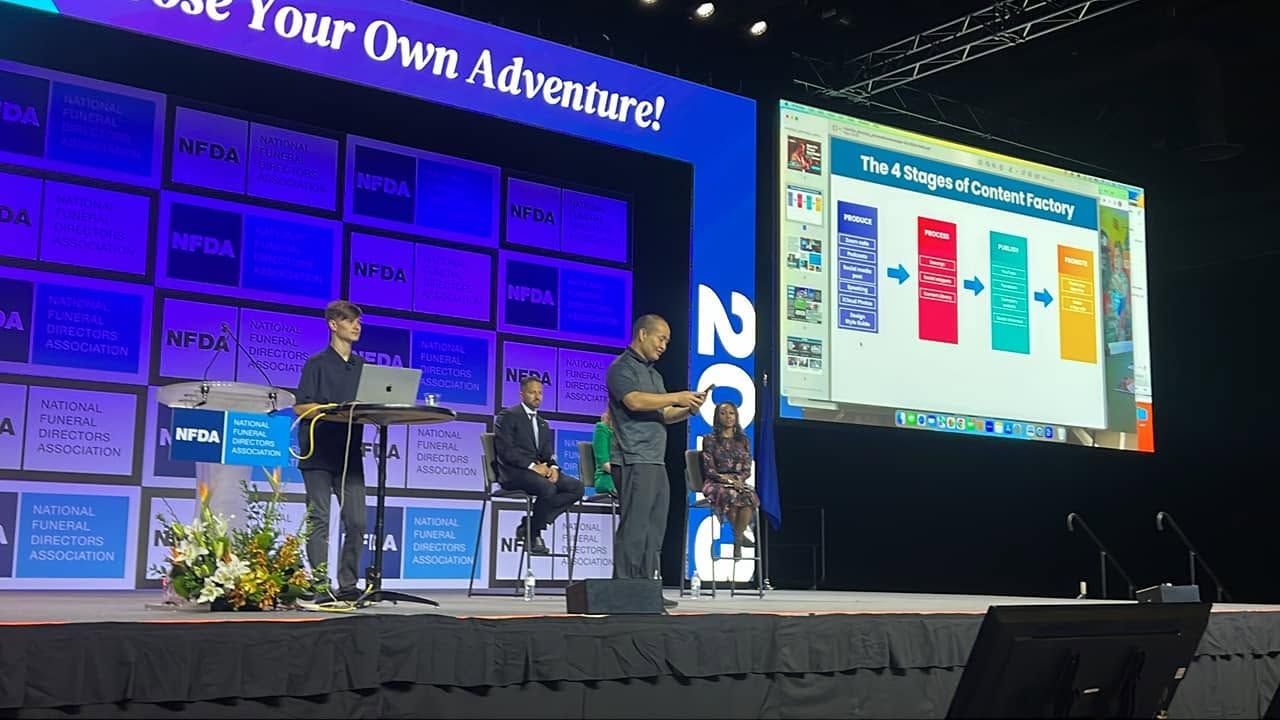
Affiliate World, the National Funeral Directors Association, and Pubcon each maintain their own speaker records. Those are event-owned pages, not testimonials I wrote about myself.
The more important proof for this article is the actual change. You can inspect public pull request #2, including the single source rule, the generated copies in every skill, the synchronizer, the validator test, and the acceptance canary.
Release receipt as of August 14, 2026: the public update is now Available in merged commit 33d1f0e. Pull request #2 and the post-merge main-branch validation both passed. It is not “Synced” until a named installation updates, and it is not “Accepted” until a fresh-chat silent canary leaves event evidence. Those distinctions prevent a green-looking agent report from masquerading as delivery.
What should an AI builder copy from this?
Copy the behavior, not just the sentence:
- Capture the real failure without inflating it.
- Write the smallest rule that would have prevented it.
- Put the rule where the next worker receives it before acting.
- Propagate it to every distributable copy.
- Add a check that fails when the rule disappears or drifts.
- Require a real-world receipt before claiming rollout.
That is how two seconds of annoying audio become a permanent improvement for everyone who uses the pack. The goal is not an agent that never discovers a new edge case. The goal is an operating system that converts each edge case into something people and agents can inspect, reuse, and improve.
Frequently asked questions
Why must AI agents mute video and audio during testing?
Because playing sound changes the user’s physical environment. The agent usually needs playback state, captions, frames, metadata, or timing—not audible output. Muting is the least-disruptive default.
Is disabling autoplay enough?
No. An agent can still click Play. The player must be muted, its volume set to zero, and both conditions verified before playback begins.
What if the agent cannot verify mute state?
It must not start playback. It should use metadata, captions, transcripts, frames, screenshots, network responses, or player state. Audible playback requires an explicit user request in the current task.
Does the rule apply to subagents and scheduled tasks?
Yes. The parent must repeat the rule when delegating media-related work, and unattended jobs must fail closed when silence cannot be verified.
Where should an AI team store this rule?
Put the invariant in shared agent instructions, embed it in each self-contained distributed skill, repeat it at delegation boundaries, and attach a validator plus a real acceptance canary.
When may an AI agent unmute media?
Only when the user explicitly asks to hear it in the current task. A request to inspect, test, summarize, transcribe, or QA media is not permission to make sound.