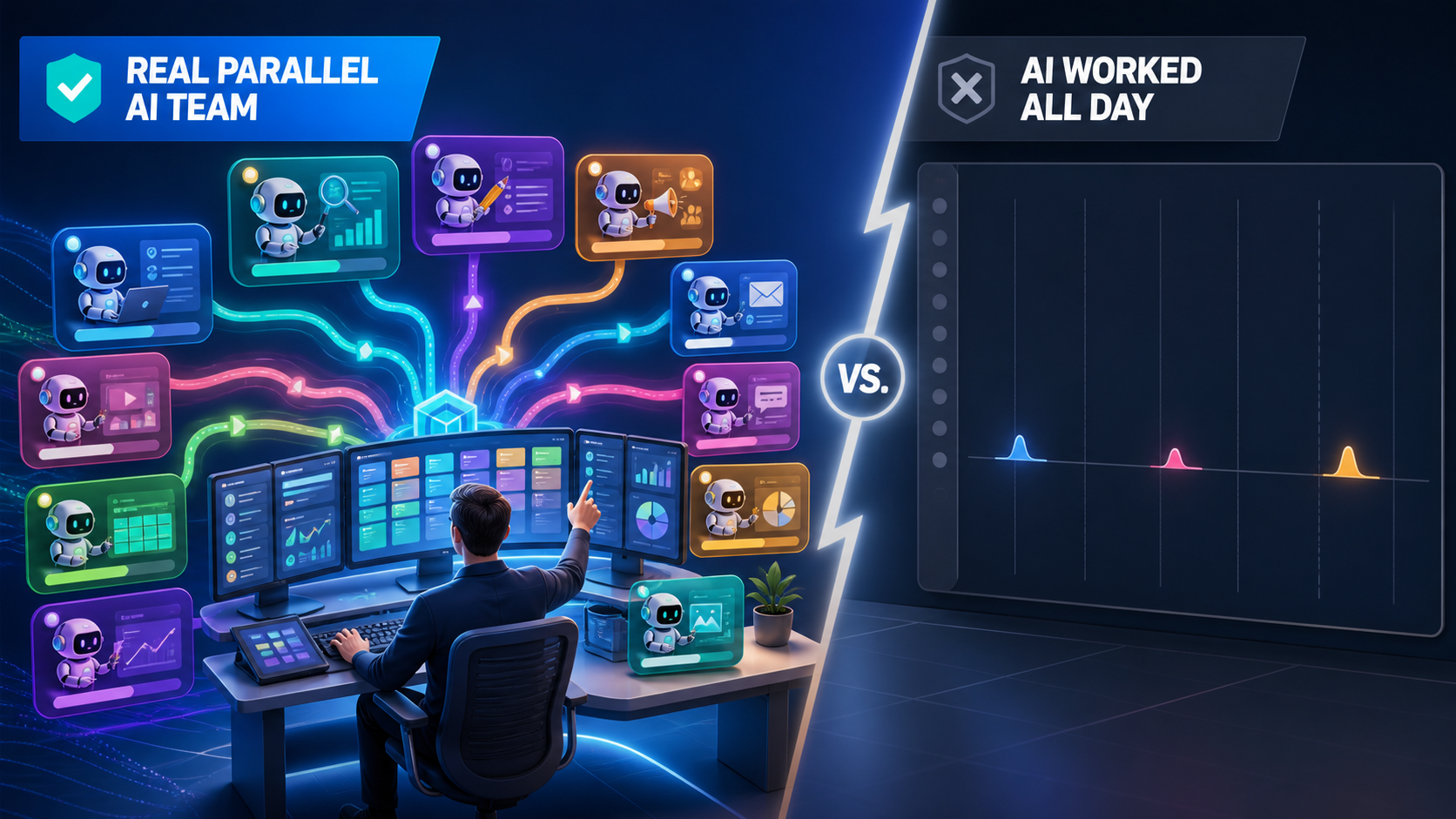
My default recommendation for a small business with an eager owner or AI Builder is one individual high-capacity AI account per responsible person—not one shared login and not an immediate migration into a Team workspace. Use the individual accounts as parallel workstations. Keep the company’s knowledge, instructions, run history, and metadata in files the company owns, so Claude, ChatGPT, Gemini, or the next model can all work from the same truth.
This is not an argument that Claude Team is bad. Team adds useful administration and project sharing. It is an argument about architecture: your AI subscription should be a replaceable engine, not the place where your company’s brain is trapped.
A shared AI workspace is not a universal company brain
A small-business owner recently asked whether he should convert his personal Claude account into Claude Team so his staff could share one universal ecosystem while keeping selected work private.
The premise sounds right. Shared context is valuable. But a Team account does not automatically make every agent and every person share one memory. Anthropic says Team and Enterprise users can share projects and project knowledge, while the chats inside those projects remain private unless they are deliberately shared. In Cowork, project tasks and memory are stored locally on each user’s computer. That is collaboration, but it is not one portable operating system for the business.
There is also a one-way-door problem. Anthropic lets a person keep both a personal and organization account, or move personal chats, projects, files, and memory into the organization. But once that content is moved into the organization, it cannot be moved back to a personal account. That alone is a reason not to migrate casually.
My rule is simple: the model account is a seat; the company context is an asset.
Why the Claude Max 20x plan feels like an all-you-can-eat buffet
As of August 11, 2026, Anthropic lists Claude Max 20x at $200 per month and describes it as 20 times the Pro capacity. The published Team tiers are built for administration and collaboration, with lower included usage per person than Max 20x. Prices and limits change, so check Anthropic’s current plan pages before buying.
| Account | Published U.S. monthly price | Published usage comparison | Best fit |
|---|---|---|---|
| Individual Pro | $20 | Baseline | Light or occasional operator |
| Individual Max 20x | $200 | 20x Pro capacity | Eager owner or AI Builder running agents all day |
| Team Standard | $25 monthly | 1.25x Pro per session | Staff who need administration and shared projects |
| Team Premium | $125 monthly | 6.25x Pro per session | Heavier Team user who still needs organization controls |
I use the buffet analogy because a serious builder consumes far more value than the average subscriber. In my own heavy-use calculation, the work I put through a Max account would have cost roughly $7,500 to $8,000 per month at comparable API rates. That is my usage pattern and estimate—not a benefit Anthropic promises every subscriber. I suspect the 20x plan behaves like a loss leader for power users, but I do not know Anthropic’s unit economics.
The point is not to waste tokens because the buffet is open. The point is that $200 is trivial when an eager operator can keep multiple useful workstreams moving, as I do with 20-plus agents. The expensive resource is not the subscription. It is a motivated person who knows what outcome matters, supplies good ingredients, reviews the work, and starts the next loop.
Give each accountable human a lane
For an owner-led small business, I would usually give an individual Max account to the owner and the AI Builder. Lighter users can start on Pro. One person may supervise several agents, but every account should belong to a real, accountable human. Do not share passwords, create fake people, or open shell accounts just to evade limits.
Separate accounts create parallel lanes:
- The owner can work on strategy, relationships, positioning, and judgment.
- The AI Builder can run implementation, scheduled jobs, QA, and the task registry.
- A subject-matter expert can review claims in a private thread without seeing unrelated client work.
- Each operator has an independent usage pool, work history, and clear responsibility.
This is the same principle behind sharing the tool instead of the master password. Identity stays individual. Company capabilities are exposed through governed gateways, files, and permissions.
The shared context should belong to the company
The durable layer is boring on purpose: Markdown, JSON, CSV, source recordings, transcripts, task definitions, decision logs, test results, and links to the systems of record. Store them in a company-controlled workspace with version history and access controls. Keep secrets in a proper vault, separate from ordinary context files.
A useful structure looks like this:
company-context/
  README.md              # the map every human and agent reads first
  people/                # roles, expertise, approvals, relationships
  clients/               # objectives, facts, source links, boundaries
  skills/                # one documented SOP per repeatable task
  scheduled-tasks/       # cadence, owner, inputs, outputs, done criteria
  runs/                  # dated logs, costs, errors, verification results
  decisions/             # what changed, who approved it, and why
  metrics/               # MAA scorecards and source data
  meta-articles/         # worked examples that teach the next run
  sources/               # recordings, transcripts, exports, evidence
We use a tiered version of this in our lockdown-file memory system: a short file acts as the hot cache, deeper folders hold people and project context, and client bundles remain the source of truth. The filenames may be optimized for Claude today, but the contents are plain enough for any model—or any human—to read tomorrow.
This is what I mean by metadata independence. The valuable part is not one chat transcript. It is the structured record of entities, sources, tasks, dependencies, owners, outcomes, and decisions around the work. A model is the chef for one shift. The labeled ingredients, recipe, health inspection, and customer feedback belong to the restaurant.
How our humans and agents coordinate
| Role | What the role owns | What it should not own |
|---|---|---|
| Owner / architect | Goals, voice, proof, priorities, risk, final business judgment | Babysitting every recurring task |
| AI Builder / manager | Task registry, schedules, delegation, QA, permissions, escalation | Inventing facts or approving their own unsupported claims |
| Human specialist | Domain decisions, source material, exceptions, approvals | Repetitive collection and formatting |
| Agent / worker | Executing a documented skill, testing output, logging the run | Changing the goal or silently expanding authority |
Every recurring job has a business owner, a technical owner, a schedule, inputs, outputs, dependencies, a definition of done, and a verification method. Our guide to scheduled tasks every agency owner should build shows the jobs as a coordinated portfolio, because ten individually reasonable automations can still form one badly designed system.
The coordination loop is:
- Read: Load the current company context, the task skill, the latest run, and the source data.
- Do: Execute the work in the correct system with the narrow permissions the task requires.
- Verify: Test the result where the user or customer sees it, not only where the agent wrote it.
- Document: Write a dated run log with inputs, outputs, cost, errors, decisions, and proof.
- Run MAA: Metrics say what happened. Analysis explains why. Action names the next change and owner.
- Improve: Feed the lesson back into the skill so the next human or agent starts from a better SOP.
Then the scheduled task runs again. That is the operating loop behind our automated management of 159 personal-brand sites: the human supplies the raw proof, while agents measure, analyze, publish, verify, and report on a cadence.
Meta articles are operational memory, not content garnish
After an agent completes meaningful work, it writes a meta article explaining what it did, what broke, which judgment calls mattered, what the human changed, and what the result cost. The definitive article is the recipe. Each meta article is a dated record of one real cook using it.
That creates a recursive loop:
Do → Document → QA → Publish the example → Improve the SOP → Run again.
The run history becomes training data for the team’s own retrieval system. It also becomes public proof when confidentiality permits. Our meta-article system explains the full distinction, and Knowledge System Maintenance covers how the library stays current instead of becoming a graveyard of old prompts.
This compounding data is a better moat than loyalty to any one model. Models leapfrog each other. Your execution history, source relationships, QA failures, and accumulated judgment do not come with a new subscription.
When Claude Team is the right choice
Buy Team for Team reasons—not because you hope the logo in the upper-left corner will create shared intelligence.
Team becomes useful when you need centralized billing, member administration, organization-wide project sharing, allowed-domain controls, usage analytics, stronger commercial data terms, or internal governance. Enterprise becomes relevant when you need deeper identity, provisioning, retention, or compliance controls.
For many small companies, the best answer is hybrid:
- Keep individual Max accounts for the owner and AI Builder.
- Create Team only when its administrative or collaboration features solve a real requirement.
- Do not migrate a valuable personal knowledge base merely to make the account screen look tidy.
- Use shared projects for convenience, but keep canonical company context outside the workspace.
- Let different models audit one another and route each task to the cheapest model that clears the quality bar, as described in our model-routing system.
My recommendation for an eager small-business owner
Start with individual accounts. Give Max 20x to the people who will actually eat at the buffet. Put a motivated AI Builder in charge of the schedule and the task registry. Make every recurring task read from and write back to company-owned context. Require verification, MAA, and a meta article for meaningful runs. Add Team when governance—not hope—creates the business case.
Saving roughly $8,000 a month in equivalent model consumption is attractive. Owning the metadata that lets you replace the model without replacing your company’s memory is worth more.
Frequently asked questions
Should every employee get Claude Max 20x?
No. Give high capacity to people who repeatedly hit a real work limit and turn that capacity into verified output. Pro is enough for lighter users. The plan should follow the operator’s demonstrated workload.
Can I keep my personal Claude account and join a Team account?
Yes. Anthropic says you can keep both and switch between them. If you migrate personal content into the organization, that move is one-way, so export and evaluate the consequences first. See Anthropic’s account migration guide.
Are chats automatically visible to everyone in Claude Team?
No. Anthropic says projects can be shared across the organization or with invited users, but chats remain private unless manually shared. See its guide to project visibility and sharing.
Does Claude Team create shared Cowork memory?
Not by itself. Anthropic says Cowork project tasks and memory are stored locally on each user’s computer. That is why portable company-owned files remain important. See the Cowork Team and Enterprise guide.
Is the $8,000 monthly savings guaranteed?
No. It is a rough comparison from my own unusually heavy workload against published API rates. Subscription limits, models, prices, and usage patterns change. Measure your own verified output and cost.
What should never go into shared context files?
Passwords, API keys, private client data without a legitimate need, and unsupported claims. Keep secrets in a vault, scope access by role, and link to authoritative systems instead of copying sensitive data everywhere.